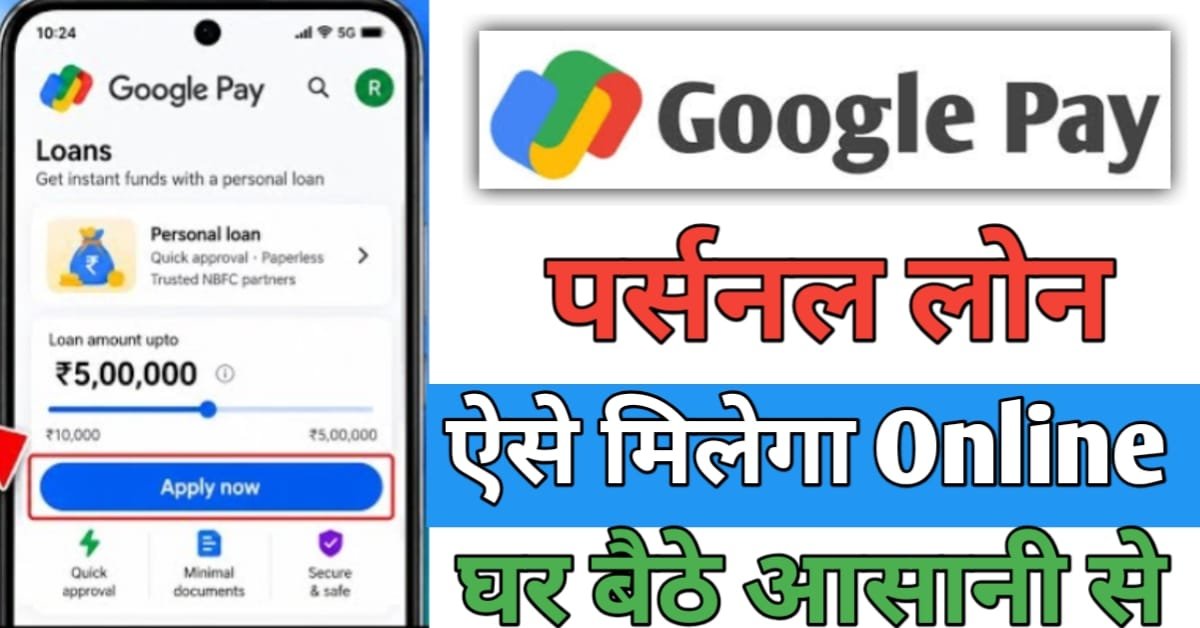
Hello friends, welcome to today’s article. In this post, I will explain how you can obtain a personal loan through Google Pay. In our daily lives, we may find ourselves in need of money at any time. When such a situation arises and we lack the necessary funds, we often turn to relatives or acquaintances for help; however, it is frequently the case that people are unable or unwilling to provide money when it is needed most. Well, there is good news: you no longer need to rely on others—you can easily secure a loan through Google Pay. I will provide all the details in this article, so please be sure to read it until the end.

Documents for Google Pay personal loan
- Pan card
- Aadhar card
- Mobile number
- Bank statement
- Income proof
- Passport size photo
Eligibility for Google Pay personal loans
- An applicant seeking a personal loan through Google Pay must be a resident of India.
- The applicant must have a valid PAN card, and the Aadhaar and KYC information must be accurate.
- Applicants seeking a personal loan through Google Pay must have a good credit score and a strong repayment capacity.
- The applicant must have a regular source of income and provide bank account details.
How to get a personal loan from Google Pay?
If you wish to apply online for a personal loan through Google Pay, you will need to follow the procedure outlined below, step by step, as follows:
- To obtain a personal loan through Google Pay, you must first install the Google Pay application on your smartphone from the Play Store.
- After installation, you will need to log in to the Google Pay application using your mobile number.
- After that, you need to add your bank details to Google Pay and fully set up UPI.
- If you are already a Google Pay user, the first step is to update the Google Pay application from the Play Store.
- After updating, you will see an option to apply for a personal loan online right on the Google Pay application dashboard.
- After that, you need to enter the PIN code for your area and click on the ‘Next’ option.
- Now, you need to enter your PAN number, your name as per your PAN, and other details, and then click on the ‘Next’ option.
- After that, you will be able to see the loan amount; you can then select the specific loan amount you require.
- After that, you need to enter all your personal information and click on the ‘Next’ option.
- Upon clicking the next option, you will be able to see the final preview of your loan application.
- Now, you should carefully review all the information you have entered based on your requirements, and finally, click on the ‘final submit’ option.
- As soon as you click on the ‘final submit’ option, your online application for a personal loan via the Google Pay app will be successfully submitted.
- After that, the personal loan amount will be credited to your bank account, and you will also receive a message regarding this.
- You can now use this money to fulfill all your needs.
In this way, by following all the steps mentioned above, you can easily apply online for a personal loan through Google Pay and obtain the loan.
conclusion –
Friends, in today’s article, we have provided detailed information on how to obtain a personal loan through Google Pay. We have explained the entire process comprehensively so that you can easily apply online, secure a personal loan via Google Pay, and take advantage of this facility. If you found this article helpful, please do share it!