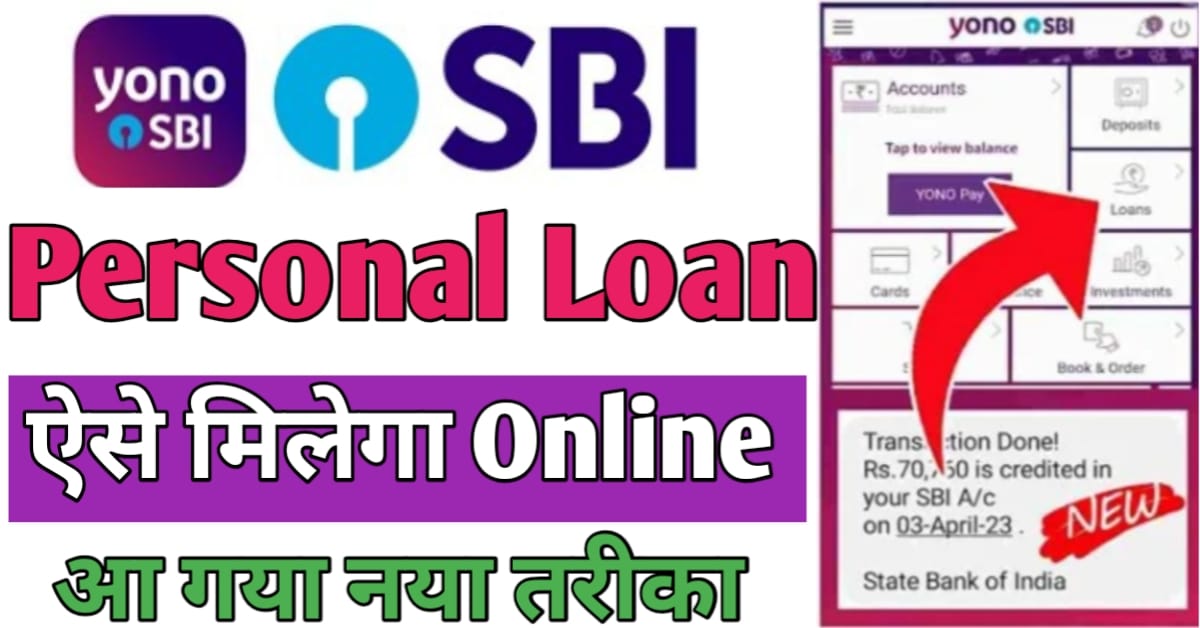
SBI Yono App Personal Loan Apply |
Hello friends, welcome to today’s article! In this post, I will explain how to obtain a personal loan using the SBI YONO app. If you are an account holder with the State Bank of India, I have some great news for you: the bank is currently offering pre-approved personal loans of up to ₹8 lakh. You can easily secure such a loan through the SBI YONO app. I will provide all the details in full, so please be sure to read this article until the end.

Documents for a personal loan via the SBI YONO app
When applying for a personal loan through the YONO app, the following documents may be required:
- Pan card
- Aadhar card
- Mobile number
- Bank statement
- Income proof
- Passport size photo
How to get a personal loan using the SBI YONO app?
If you wish to apply online for a personal loan through the SBI YONO app, you will need to follow the procedure outlined below, step by step, as follows:
- To obtain a personal loan through the SBI YONO app, you must first install the SBI YONO application on your mobile phone from the Play Store.
- After installing, you need to open this application.
- To get started, you need to fully set up the SBI YONO application for your account by providing the necessary details, such as those required for mobile or internet banking.
- After opening it, you will see a new page, and you will find an option with three lines at the top, which you need to click on.
- Now you need to click on the ‘Loans’ option, and then click on the ‘Personal Loan’ option.
- After clicking, you will need to select the ‘Xpress Credity Loan’ option and then click on ‘Apply Now’.
- As soon as you click, the eligible loan amount will be displayed.
- Now, you need to select the loan amount according to your requirements and click on the ‘Next’ option.
- After that, you will be able to see the account number to which the money will be sent.
- Now you need to select your account and click on the ‘Next’ option.
- Now, you need to select your loan EMI date, accept the terms and conditions, and click on the ‘Next’ option.
- After clicking, you will be able to see your Loan Preview; please carefully check all the information provided, then click on the ‘Next’ option.
- After that, your loan application will be successfully submitted, and a ‘Congratulations’ message will appear.
- After that, you will receive a message on the mobile number registered with your bank account, confirming that the loan amount has been credited.
In this way, by following all the steps mentioned above, you can easily apply for a personal loan through the SBI YONO app.
conclusion –
Friends, in today’s article, we have provided detailed information on how to obtain a personal loan through the SBI YONO app. We have explained the entire process comprehensively, enabling you to easily apply online from the comfort of your home and take advantage of this facility. If you found this article helpful, please do share it!